Product
Platform
Products
More
Resources
Company
Product
Platform
Products
More
Resources
Company
Product
Platform
Products
More
Resources
Company
Don't just flag a file. Detonate it in isolation, record everything it does, and read it back as evidence, with the indicators ready to act on. Then close the window before a suspicious file becomes an attack.
Trusted by pioneers in preemptive cybersecurity







Malware analysis
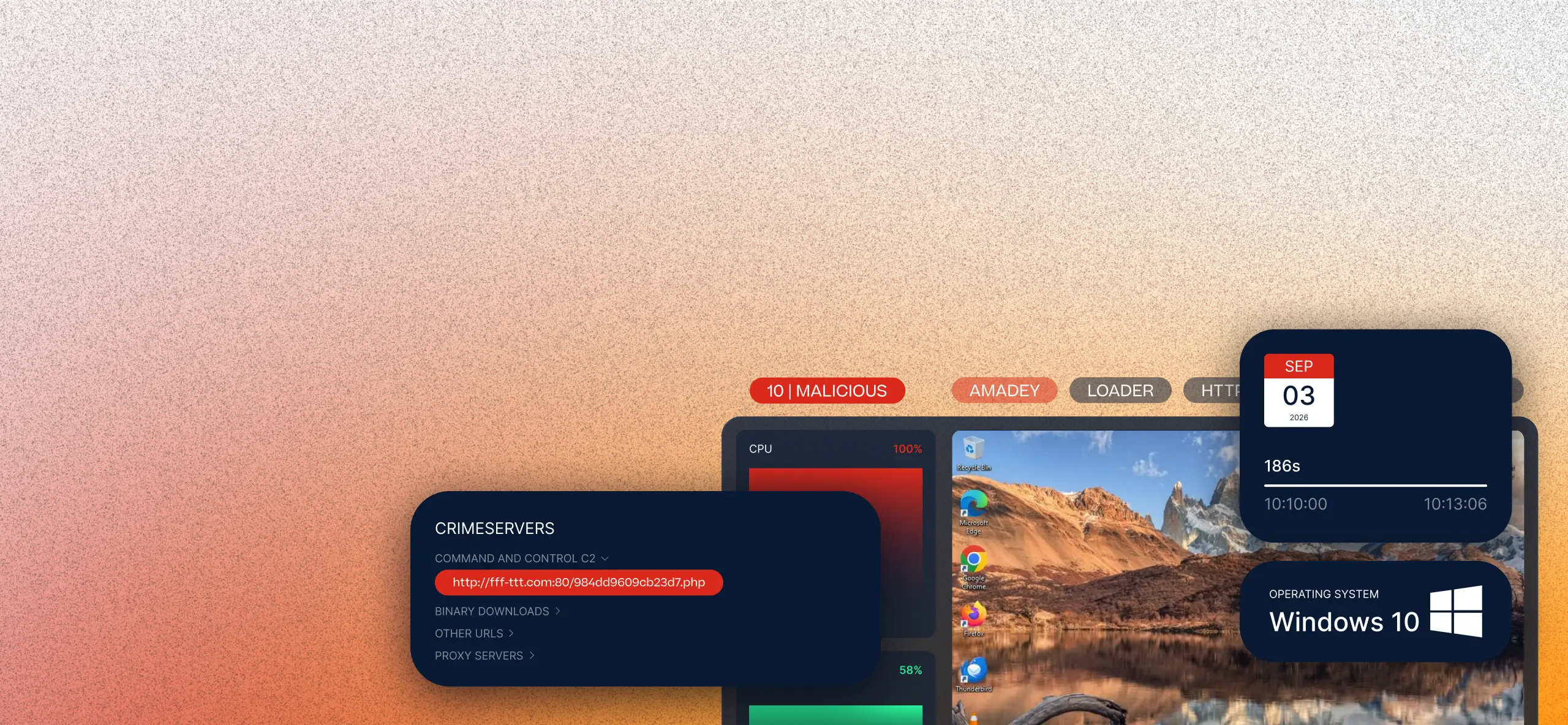
A suspicious file lands. Is it malicious or a false alarm? What does it really do? And which indicators do you act on? Answering properly used to mean slow, specialist work while the risk stayed open.

A first-line analyst reads the verdict, the plain-language narrative and the recording, then decides and documents alone. No specialist needed alongside.

Every detonation produces concrete IOCs that feed the blocking and hunting workflows already in the platform.

Work that used to need an external disassembler now happens inside, and the analyst leaves with a detection rule of their own.

Your submitted samples are analyzed privately and never shared publicly. Novel samples stay in your tenant, samples already seen in public are treated as public.
What it does
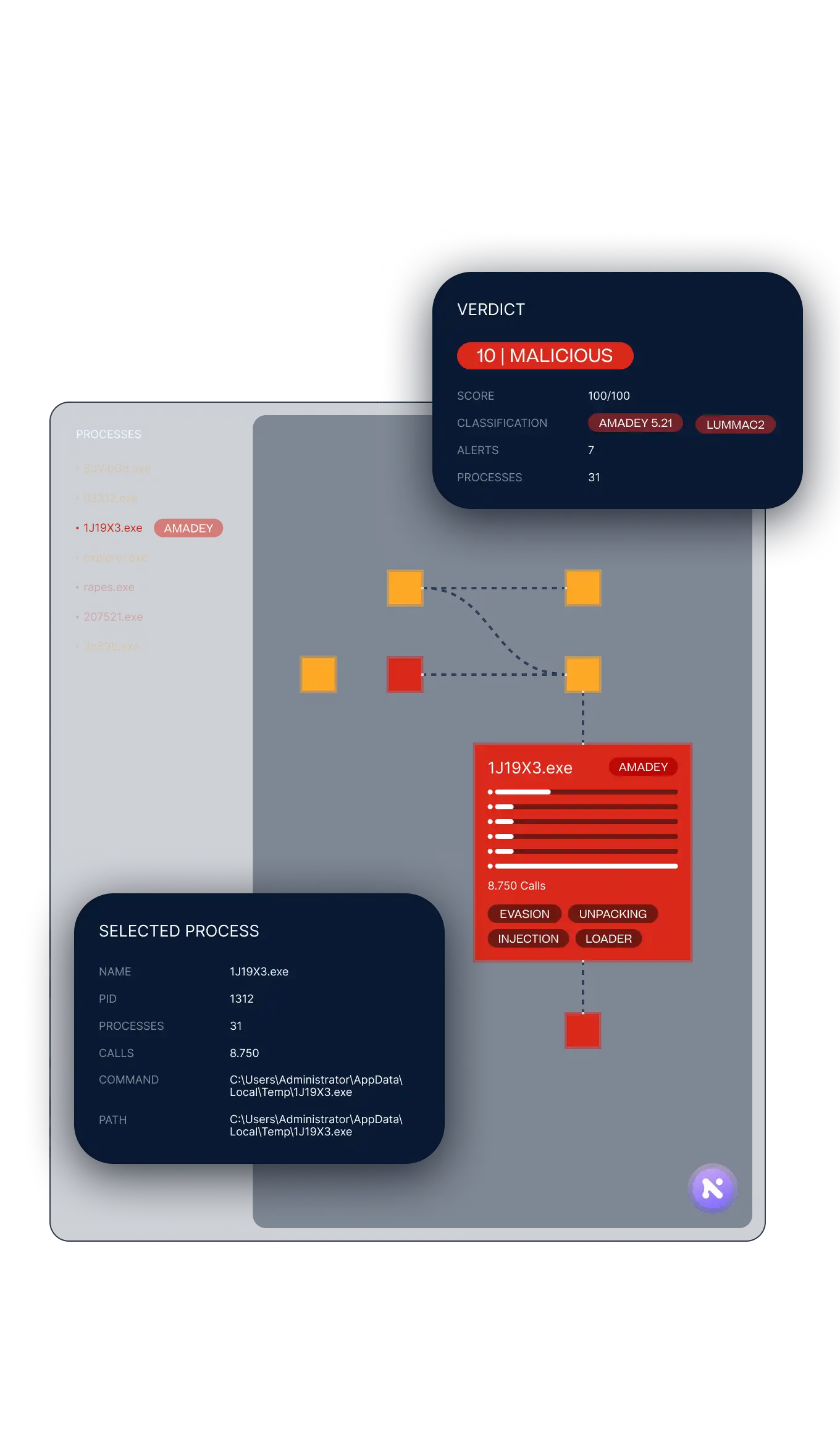
A verdict and a score out of 100, so you know at a glance whether it needs deeper work.
The malware family and its behavioral tags, drawn from monitored activity.
Behavior, network, persistence, injection, dropped files and evasion.
URLs, IPs, hashes, TTPs, and certificates, ready for your workflows.

Inside the report
A sandbox monitored from kernel mode with a modified hypervisor, threat-intelligence driven and detonation driven.
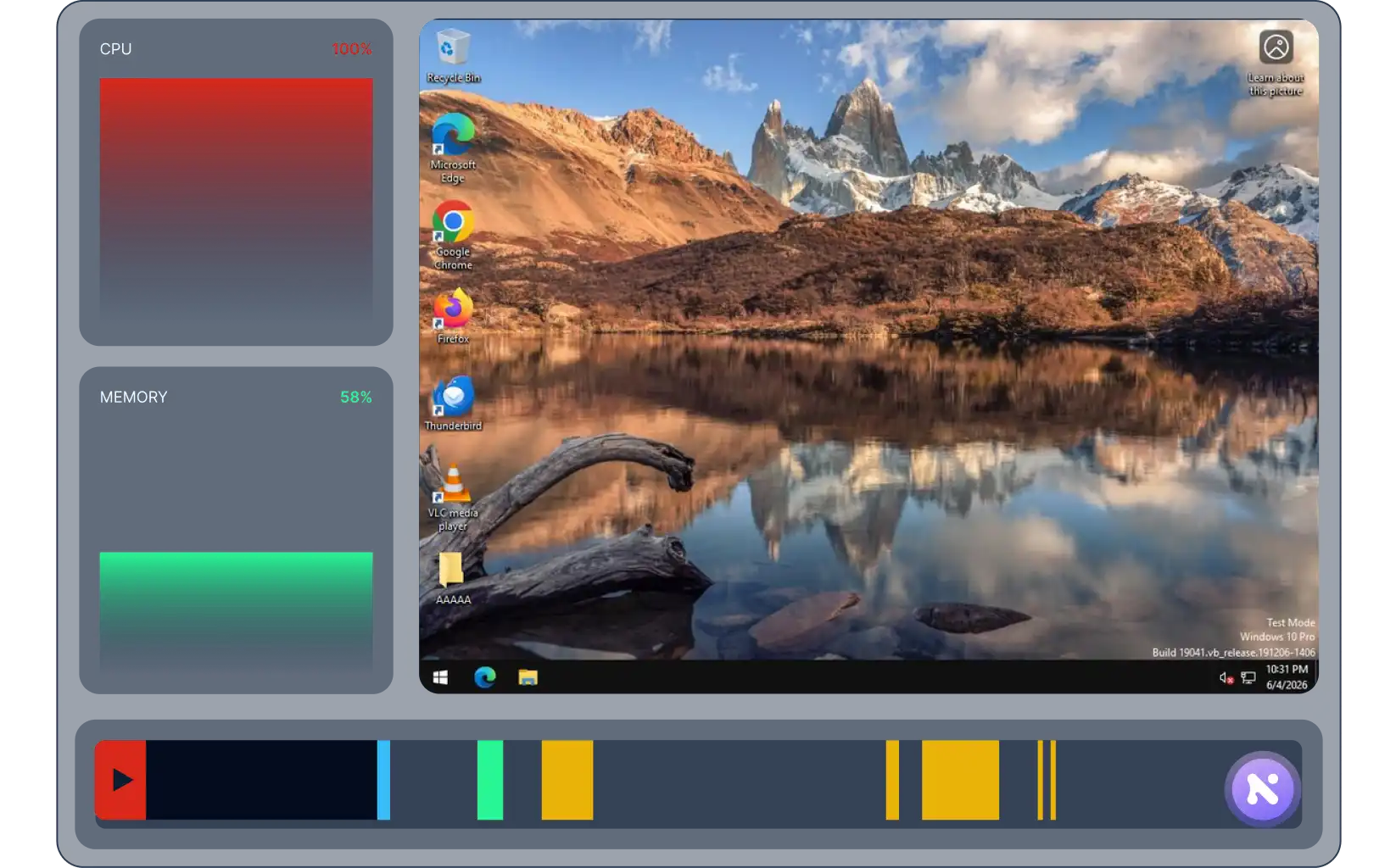
The report writes itself, and you watch the attack happen. A plain-language narrative, a synchronized recording, and the real chain of execution, with every claim linked to the evidence.
Narrative
a chaptered account of what the attack did
Linked
every claim tied to what was captured
Recording
playback of the run, with CPU and RAM graphs
Live event feed
each indicator at the second it was captured
Process Tree
the real chain of execution, process by process
All the indicators of compromise, ready for your workflows. This is the extraction point, where analysis meets your automation.
Network
summary and world map of every location contacted
Malware Config
extracted infrastructure that lets you hunt the malware
Full HTTP/HTTPS transactions
requests and responses, end to end
What we call IOTA (Indicators of Threat Actors)
files, registry, DLLs, processes, mutexes and certificates, searchable in one place
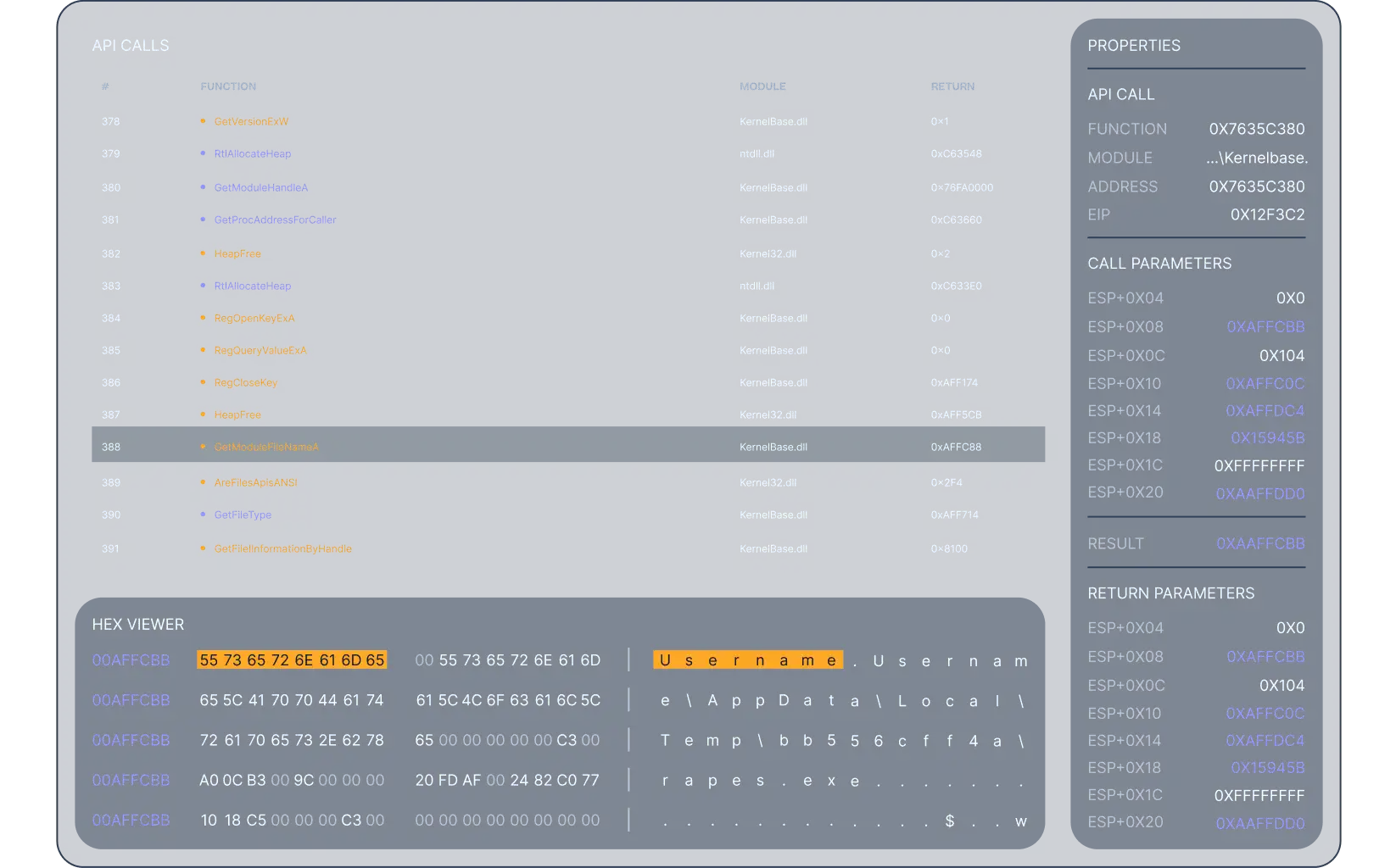
What the sample really used at runtime, the techniques it matched, and the whole run summarized.
Runtime
the URL, commands, config and artifacts the sample used at runtime
Attack
behavior mapped to the MITRE ATT&CK matrix
Analytics
thousands of events summarized, with suspicious and malicious patterns called out by name
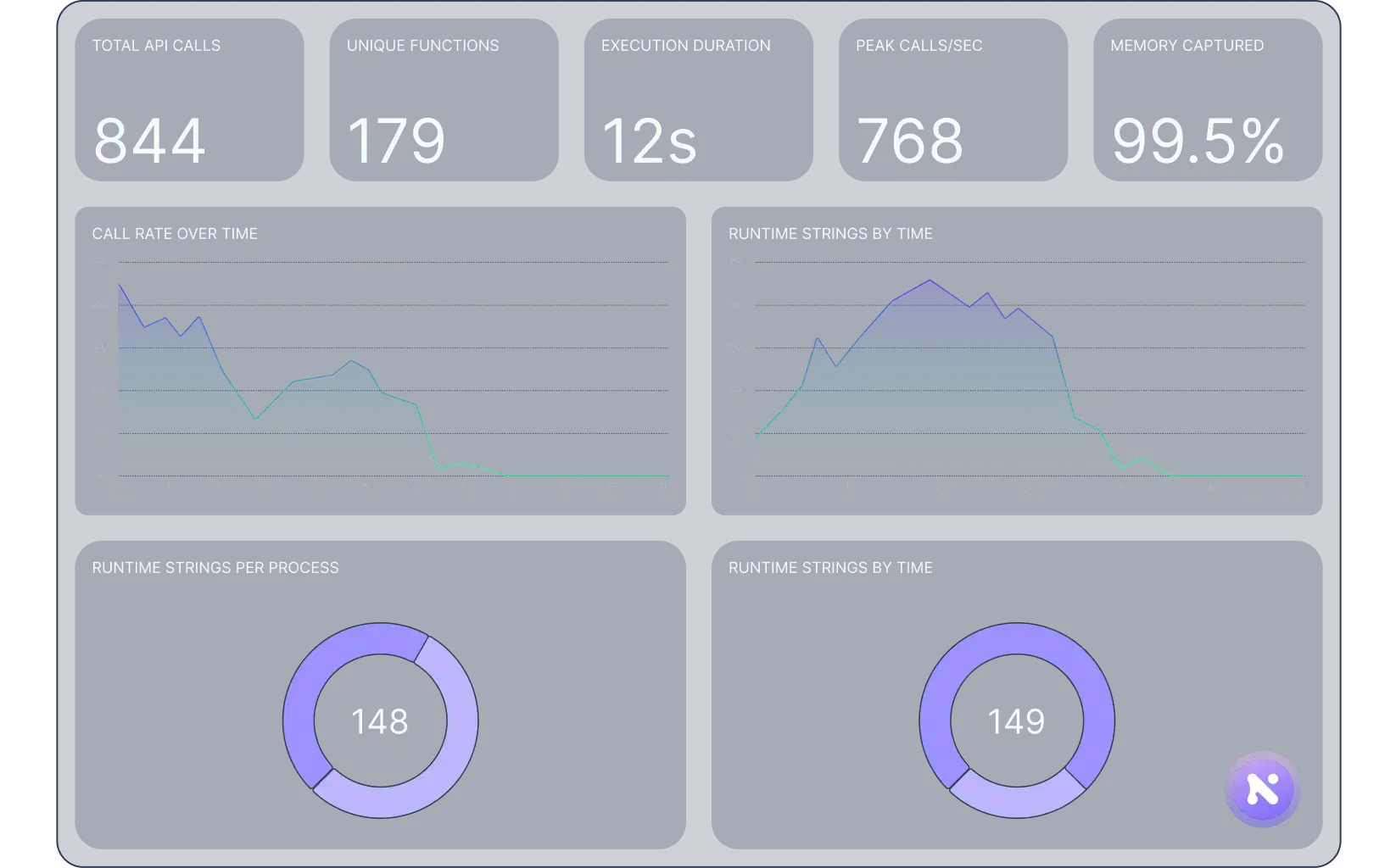
 Inside the report
The Sandbox is the platform's malware-intelligence engine, not a standalone report. From a fast triage decision to a brand-new detection rule, its output feeds the workflows that close your exposure window and preempt the attack.

Rapid triage. Verdict, score, and classification. Reporting and briefing. The Narrative and Recording, ready for non-specialists.
Attribution from classification and certificates. Behavioral investigation process by process. Malware reverse engineering. CPU context, disassembly, and runtime strings.
Indicator extraction into your blocking and hunting workflows. Detection engineering. Reusable YARA rules. Red Team and Purple Team execises from a real sample.

From intelligence to action
Most malware analysis tools cover the fundamentals well.
Zynap's difference is depth and connection: kernel-level Deep Context Inspection, in-tool detection engineering, a written narrative, a synced recording, and analysis wired straight into your workflows.
What analysts need
Zynap Sandbox
A conventional sandbox
Verdict, score & malware classification
Verdict + score out of 100 classification
Typically yes
Plain-language narrative written for you
Auto-written, every claim evidence-linked
Usually structured data, not a narrative
CPU context on every API call (Deep Context Inspection)
Full CPU context — registers and arguments on every API call, before and after the malware executes it, monitored from kernel level
Sandboxes do not usually show every API call the malware executes in detail
Kernel-mode monitoring with modified hypervisor
The real API calls the malware executes, with full CPU context, arguments and disassembly capture before and after the call, plus the runtime strings it resolves along the way.
Often user-mode, or kernel-mode with syscall monitoring only, without deep CPU context inspection
Runtime strings that expose real behavior
Valuable strings seen at runtime: the URLs, commands, config and artifacts the malware used
Often static strings only, from the target sample or process memory dumps
Disassembly + YARA-pattern search, in-tool
Built-in x86/x64 + hex + byte-pattern search
Often exported to an external tool
Produce a YARA rule from selected code
One click, from the disassembly.
Manual authoring
Real-time interactive analysis
Interact with the sample live in the analysis environment
Real-time analysis is not common in public sandboxes
Recording with indicators synced to the second
Screen replay, CPU and RAM graphs, live event feed
Screenshots or video, rarely event-synced
Detonation-driven
Choose the country the sample detonates from, and run your own preparation scripts before it fires.
Preparation scripts or country selection are not commonly offered
Indicators feed automated workflows
Straight into block & hunt workflows
Report/export; acting is a separate step
Your samples stay private
Submitted samples are analyzed privately and never shared with a public community
Some public sandboxes share uploads
Our solutions

Turn real detonations into proprietary intelligence, families, actors, and indicators your team can act on.

Seed Red Team and Purple Team exercises with the behavior of real malware and APTs.

Close triage without escalating and feed indicators straight into your blocking and hunting workflows.
Capabilities
From TTPs to credentials, act instantly with correlated, contextual intelligence.
Learn more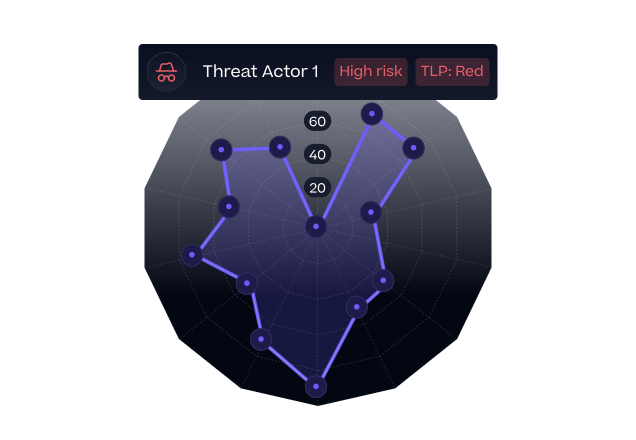
Build workflows fast with low-code tools, AI agents, and a collaborative canvas.
Learn more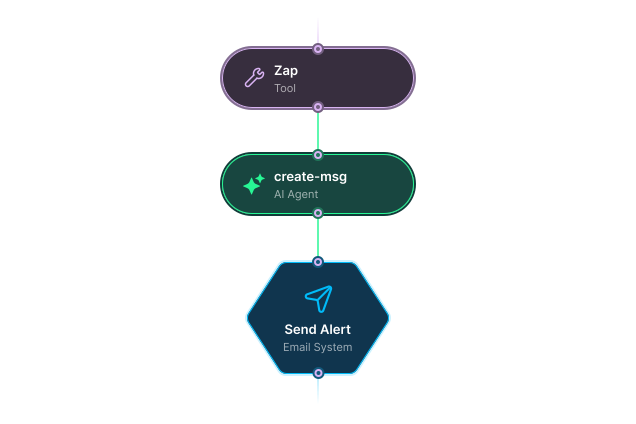
Boost smarter, faster, scalable security with AI agents that adapt and automate.
Learn more
What is a sandbox in malware analysis?
What is the Zynap Sandbox?
What file types can it analyze?
Do I need to be a reverse engineer to use it?
What happens to the indicators after an analysis?
Are my submitted samples kept private?